

Coming home after dark can make an unlit driveway or side entrance feel noticeably less welcoming. A smart security camera can help you check who is at the door, keep an eye on deliveries and investigate unexpected movement without stepping outside.
Choosing one takes more than comparing resolution and battery-life claims. Think about where it will sit, what it needs to capture and how you will retrieve recordings. The most useful camera is one that suits your home and remains practical to use through winter.
Start with the area you need to cover
Decide whether your priority is the front door, a side gate or access from the garden. A broad view can show more of the scene, but check whether people remain recognisable at the distance that matters.
Before fixing anything permanently, test the connection and view from the intended position. For a Wi-Fi camera, check performance with doors and windows closed. Follow the manufacturer’s mounting guidance and, if you rent, check permission before drilling or attaching equipment.
A camera should support the basics of home security. Review locks, gates and lighting alongside the Police.uk home protection guidance.
Look beyond “colour night vision”
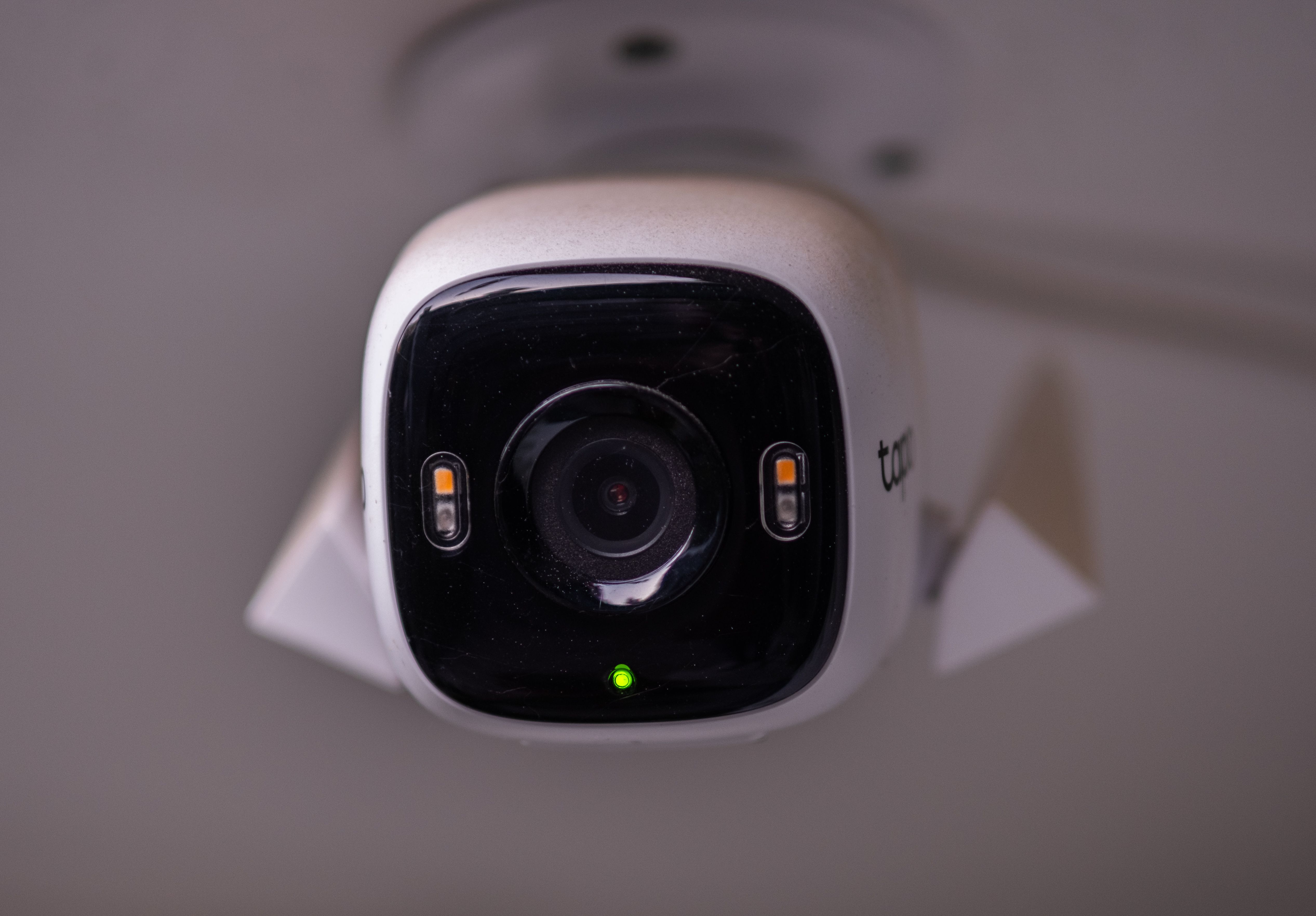
Ask what the camera needs to produce its advertised night-time image. Does colour recording rely on existing outdoor lighting, a built-in spotlight or both? For example, the Tapo C425’s specifications describe a combination of a low-light sensor and integrated spotlights.
Look for sample footage of someone walking towards and across the camera after dark. Check whether you can make out a face, rather than judging only a bright, stationary garden scene. Treat clear number-plate capture as something to verify, not a benefit guaranteed by a 2K or 4K label.
Once installed, repeat that walking test at your own property. Adjust the angle and lighting before relying on the recordings.
Choose alerts you will actually read
Look for person detection and adjustable activity zones, then check whether these features require a subscription. Some models also distinguish vehicles and animals.
Set your monitoring area around the entrance or access route that matters. Spend the first few evenings checking whether alerts arrive promptly and whether the settings need adjusting.
Ask another household member to approach the gate or door and review the saved clip. Does it capture their arrival, or begin only once they are walking away? This is a useful practical check when comparing recording behaviour.
Plan for charging and British weather
Battery cameras offer flexibility, but think about how you will reach them for charging. Check whether the battery is removable and read the conditions behind any advertised battery-life estimate.
Solar charging can reduce manual top-ups, but its usefulness depends on panel position, weather and camera activity. A shaded wall needs particular consideration. Wired power avoids battery recharging, although installing a new mains connection may require an electrician.
Check the outdoor rating, permitted operating temperatures and charging limits separately. These are different specifications: a camera may operate in colder conditions than it can safely charge in. Check whether its adapter and cable connections also need shelter.
Calculate the cost of keeping recordings
Before buying, establish exactly what works without a paid plan. Ask whether you can save clips, access person alerts and download footage after any introductory trial ends.
Compare the camera price with the cost of subscriptions, memory cards, hubs and installation over three years. Check whether a subscription covers one camera or the whole household.
Local storage can avoid cloud-recording fees, but consider what happens if the camera or memory card is stolen. An indoor recorder may suit that concern better. Ask whether recording continues during an internet outage and which functions become unavailable.
Also distinguish motion-triggered clips from continuous recording. If you need an uninterrupted timeline, confirm that the specific camera, power arrangement and storage option support it.
Protect your account and respect neighbours
The National Cyber Security Centre’s smart-device guidance recommends checking how long a device will receive support, installing updates and enabling two-step verification where available. Use a strong, unique password and review who can access the account.
Keeping footage locally does not remove privacy responsibilities. The ICO’s home CCTV guidance explains that data protection law applies when cameras capture beyond your property boundary, including pavements, neighbouring properties and communal areas.
Keep coverage as limited as possible. Where those rules apply, responsibilities include displaying signage, storing footage securely, deleting it regularly and responding appropriately to requests from people recorded. Avoid recording audio unless it is needed.
Make everyday reliability the deciding factor
Before committing, check that the app makes it easy to find and export a recording. If viewing footage on a smart display matters, confirm compatibility with your exact device.
Choose around the view you need, the charging routine you can manage and the features you can afford to keep. Then revisit the setup as conditions change: a useful camera needs clear footage, dependable alerts and occasional attention throughout the year.








.svg)